My work tablet

(This is the fourth post in a series.)

He has kept things running at his current job using minimum resources, lots of patience, and an interesting variation of stubborn loyalty. When others would have bailed, he stuck with it to see his plans change and go to fruition. He has been in charge of websites, networks, podcasting, social network monitoring and information dissemination, among other things.

He has two tablets (three if you count his Nook Color), one for work and one that is his personal. This post deals with his work tablet, the iPad 2 (WiFi).
  • Tablet: iPad 2
  • Alerts: no audible
  • On the main screen: Nearly full of icons, unlike the Android tablets, the iPad puts all icons on the screens. Yes, you can put them in folders, but there is no way to “hide” them without deleting them.
  • Case: It is one that a former co-worker bought and left for someone else to use. It folds back to lay flat and folds so that you can prop it up on your desk.
  • Background: I am not sure what the character is called, but it looks like a robot made out of cardboard boxes, standing in the street just after a shower of rain.
  • Last email:  A somewhat lengthy email with several metaphors in it talking about how website traffic should have been aimed at one goal not to several. About how posting to Twitter and Facebook can drive people to the site rather than from the website to Facebook and Twitter. And how with planning ahead that the most pain-in-the-neck posting tasks can be done.
  • The last app I used: App store, to update ten apps that haven’t been updated in some time.
  • Currently obsessed with: Not sure I am obsessed with any app on the iPad 2. I use Evernote and Chrome browser the most. 
  • Last download: Presence so that I could test the camera streaming functionality of the app (using iPhone as the transmitter).
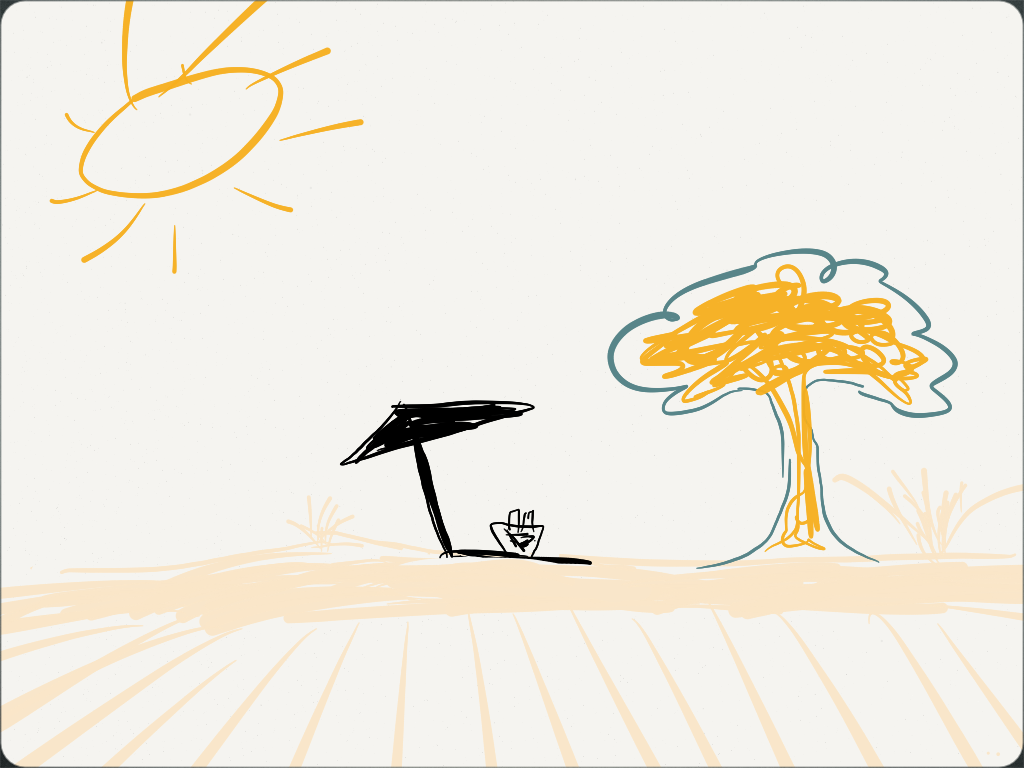
  • Most surprising app on the home screen: Paper by FiftyThree. I’ll just let you read what it is about. I use it for scribbling drawings. My best one so far is an image of a beach.
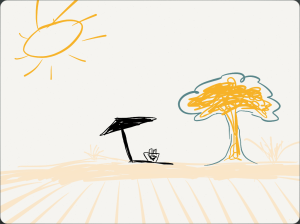
    A sketch done using the Paper app by FiftyThree - http://www.fiftythree.com/paper
    A sketch was done using the Paper app by FiftyThree – http://www.fiftythree.com/paper
  • Text or call: Neither.
  • Remaining battery: 51%. I haven’t charged it for several days, and it has been on standby. 
(Inspired by a Vanity Fair article)

The great browser sync, the war continues

I commented yesterday on my opinion of the browser and browser sync, and then today Pingdom posted a series of graphics showing the results of their findings.

I am not surprised that Chrome is doing so well around the world. I stated my biggest reason for using it yesterday. It may be safe to say that because of features like browser sync, plugins, etc. others feel that even though Internet Explorer is a part of Windows, people still go to Chrome (Firefox and Safari as well, though not as much).

Late last night I realized another reason I like Chrome: It plays videos on Hulu without fail. When I use Firefox and IE, it sometimes gets errors. **Sometimes it happens but it is FAR less than with FF and IE.

Let’s hope the Chrome browser is the Rebel Alliance and IE is the Empire. #browserwars

The great browser sync

Or… why it might just be the best thing ever. (Or nearly that.)

Since Google Chrome began, it has been relatively slim compared to its competitors. I was always a Firefox user until recently. I use Firefox still for certain things, which may never change. When Chrome came along, I tested its beta and then used it for a couple months before putting it aside.

Several releases back Google included a sync of bookmarks and open tabs. A feature much like what Apple did with Safari and iCloud. iCloud has some niceness to it, however after being a user of both browsers and using multiple operating systems I have to crown the winner of best cross-platform browser sync to Chrome.

Once Chrome was able to be loaded on the iPhone and iPad I was able to have my bookmarks shared across four computers, two tablets, and two cell phones. It has been a wonderful convenience to have a browser window open at work, open the browser on my home computer and be able to view what I was reading at work practically right where I left off. Also comes in handy if you are killing time waiting for a doctor or other appointment. (Assuming, of course, you were reading something intriguing when you left your computer and didn’t mind a small screen.)

All of this is not being said because I am fond of Google’s products. I have recently become perturbed by the impending demise of Google Reader. It is being said because they got the browser sync right, and because unlike iCloud, it is cross-platform.

*** All of this aside, this was written without considering any social bookmark sites. They have convenient features, but they aren’t always simple for most non-web savvy among us. They require more steps as well.